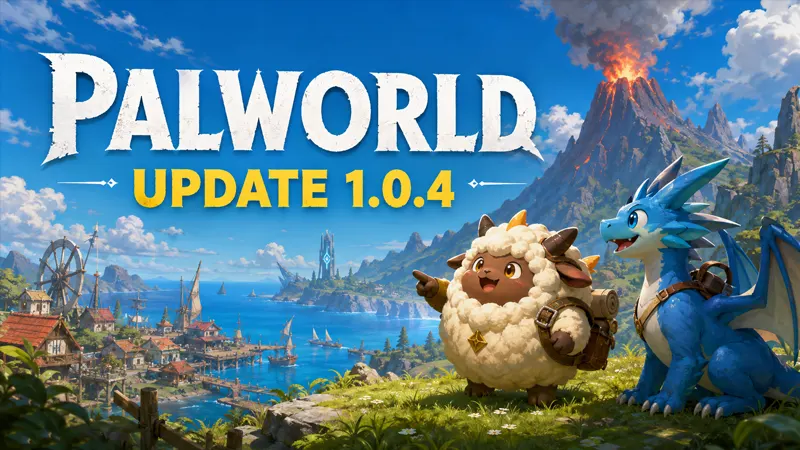
Palworld update 1.0.4 adds two sub-missions alongside balance adjustments and bug fixes. If you are returning to your world, this guide highlights where to begin and how to check your setup before playing. It is based on the developer’s notes, not a hands-on performance test.
Updated September 2026.
Palworld update 1.0.4: the key changes
Pocketpair’s official announcement, “v1.0.4: Balance Adjustments & Bug Fixes,” confirms these highlights:
New missions: Beyond Dimensions starts with an NPC at Fisherman’s Point in Mount Obsidian. From the Far Side of the Moon follows after completing it.
Combat and base behavior: Pals prioritize higher-damage skills, and mission-related targets no longer sleep. Production cancellations return materials to inventory.
Fishing and menus: The patch adjusts fishing and adds a fish-behavior World Settings option. Palpedia gains name search.
Technical fixes: The notes list crash, co-op progression and rendering fixes. Version-mismatch messages show the target version. PC’s default frame-rate cap becomes 120; that is a setting, not a promised frame rate.
How to approach the new missions
Our suggested route is to make the first mission your initial objective rather than searching for both at once. Note your current quest state before you travel, and follow the dialogue and objective prompts when you arrive. This keeps your own progress clear if you later need to describe a problem.
Do not assume a social-media map marker or an old walkthrough applies to your current quest stage. This summary does not establish exact coordinates, rewards or level requirements, so check the in-game information before committing resources to a supposed shortcut.
A practical checklist before you play
Check your installed build. Use your platform’s update controls and note the version displayed by your game. Read the announcement relevant to your platform if an update is not yet offered. An announcement alone is not a reason to download an unofficial patch installer.
Coordinate with your host. If you play with friends, agree on a time to update and confirm everyone’s build before starting a long session. Keep the full connection error if joining fails; “it does not work” gives a host much less to investigate.
Protect your existing progress. Before changing server settings or experimenting with troubleshooting, use the backup options appropriate to your setup. Do not overwrite your only known-good copy of a world simply to test whether a problem disappears.
Change one setting at a time. When comparing performance or controls, keep other settings consistent. Record the location and situation where a problem occurs. This makes it easier to distinguish a repeatable issue from a one-off interruption.
What to do if something still goes wrong
Prepare a concise issue report: platform, installed version, single-player or multiplayer, the action immediately before the issue, and whether you can repeat it. Add the complete error text and explain any troubleshooting already attempted. Avoid posting account details or private server credentials.
If you use mods, consult their authors’ compatibility information before assuming the official update supports them. Keep a record of your setup when comparing results, and avoid deleting files unless you understand their purpose and have a recovery option.
Is it worth returning for this update?
Our take: choose a specific goal for your first session, such as checking an objective you previously could not complete. A targeted session is more useful than expecting every old problem to have disappeared. Keep a note of your result so future patch notes are easier to compare with your own experience.
For the full list of changes, use the developer announcement linked above. This article deliberately selects the most useful starting points rather than reproducing the changelog. For more practical explainers, browse our gaming guides.