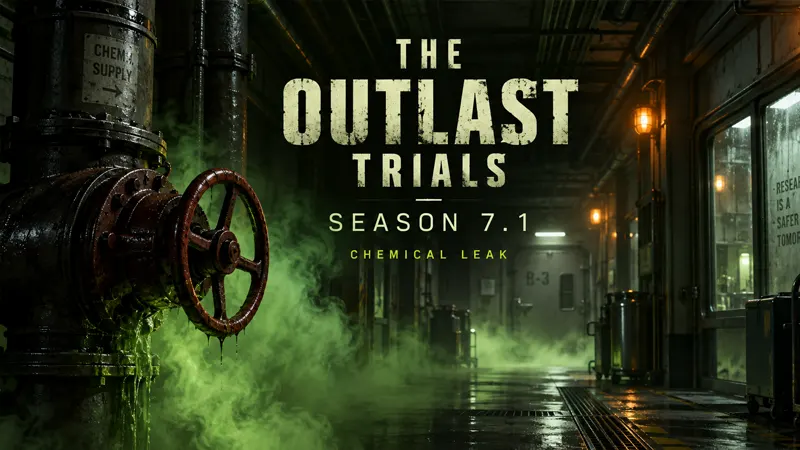
The Outlast Trials Season 7.1 is scheduled for September 8, 2026, at 10 AM Eastern Time. Its headline additions are Chemical Leak and two MK-Challenges, but returning PC players should also pay attention to the change in mod support.
Updated September 2026. Confirmed update details come from Red Barrels; the preparation checklist below is our practical advice, not a tested performance preset.
The Outlast Trials Season 7.1: what is changing?
Red Barrels’ Season 7.1 developer blog announces the Chemical Leak limited-time event, its exclusive Catalog, and the MK-Challenges Change the Program and Fund the Campaign. Chemical Leak involves shutting valves to deal with the poison threat. The announced update time converts to 7 AM Pacific, 2 PM UTC and 3 PM in the UK.
The studio also says mod support ends with this update. Built-in settings now cover field of view, camera shake, motion blur, film grain, chromatic aberration, lens flares, vignette, bloom, startup videos and HUD visibility. The announcement does not provide a complete event reward list or an end date, so check the in-game event information before planning a final-day grind.
A safe return-to-play checklist
1. Finish the update first. Before troubleshooting a new session, confirm your download has completed. Ask your group to do the same. Write down any error message exactly; “it does not work” is much harder to investigate than a reproducible symptom and the point where it occurs.
2. Start from an unmodified installation. If you previously installed customization tools, follow their documented removal instructions. Do not download a random replacement DLL or delete unfamiliar folders to force the game to launch. Keep personal screenshots and recordings separate from any installation cleanup.
3. Review comfort settings before matchmaking. Take a screenshot of your existing preferences. Adjust one setting at a time, then spend a short session checking how camera movement feels. This gives you a clear way back if a change makes the experience worse. There is no universal field-of-view number that suits every screen and player.
4. Separate visual preferences from performance claims. Removing an effect because you dislike its appearance is a personal choice, not proof of a frame-rate improvement. Compare the same scene or activity when testing performance. Changing resolution, multiple effects and several background applications at once makes the result difficult to interpret.
What if the Steam version crashes after updating?
For missing content or crashes, Valve offers an installation check in its official file-verification guide. Open your Steam Library, right-click The Outlast Trials and choose Properties. Open Installed Files, then select Verify integrity of game files. Allow the process to complete before trying again.
Valve cautions against running other intensive tasks during verification. A verification result also needs context: some local configuration files may not validate, and that alone does not prove a broken installation. This is a general Steam diagnostic step, not confirmation that Season 7.1 has a particular crash bug or that verification will fix every problem.
If the issue continues, use Red Barrels support. Our recommended report includes your platform, the installed version, the exact error, whether you had modified the installation, and the shortest steps that reproduce the issue. Include what you already tried so support does not have to restart the investigation from zero.
What should you play first?
Our recommendation is to read the active event instructions, then choose a short first-session goal with your group. Focus on learning the objective instead of immediately chasing a complete reward collection. After a run, discuss which instructions were unclear and decide whether another attempt or a different activity makes more sense.
Keep a separate note of technical problems and gameplay questions. An objective you have not learned yet and a reproducible connection failure need different solutions. That distinction will make both your next attempt and any support request more useful.
For more practical explainers, browse the GameWilds gaming guides. This article will not label an update “fixed” or “broken” without evidence from the live game or an official follow-up.