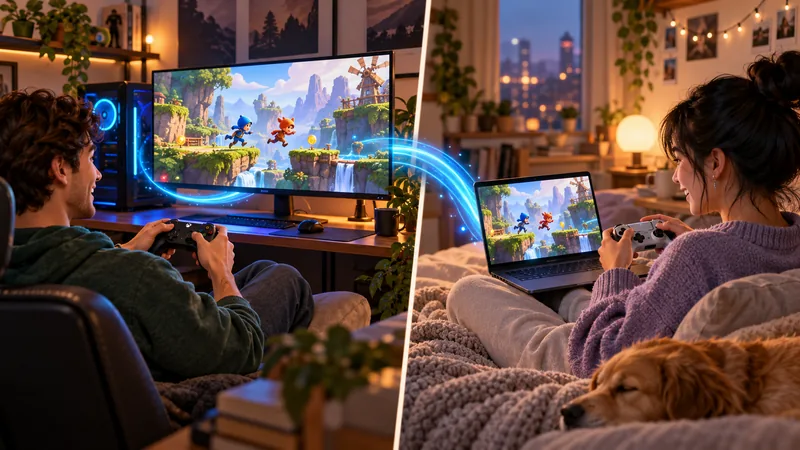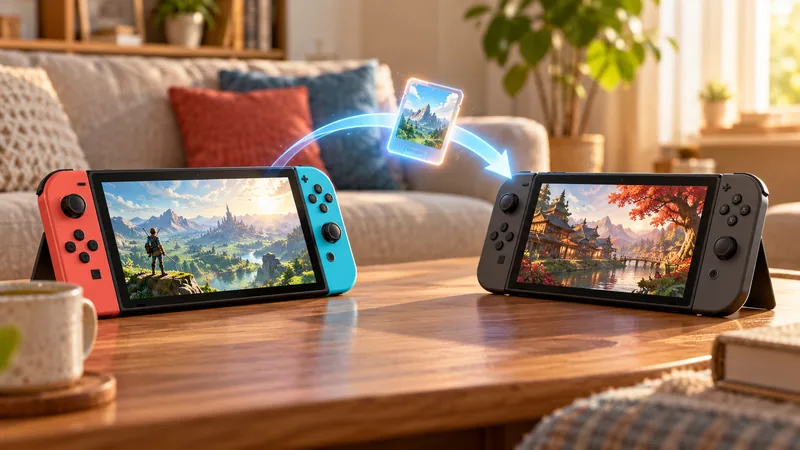
Nintendo Virtual Game Cards can make a digital library easier to use across compatible systems, but they are not unlimited simultaneous copies. The important distinctions are ownership, which console has the card loaded and where your save data lives.
Source-checked November 2, 2026. The cover is an AI-generated editorial illustration, not a gameplay screenshot. Recommendations below are editorial advice, not claims of hands-on testing.
This guide draws on Nintendo’s Virtual Game Cards overview, Switch 2 FAQ and Nintendo Account guidance. The household examples are our planning advice, not a claim of testing every game or account arrangement.
1. Know what Nintendo Virtual Game Cards represent
They represent eligible digital purchases associated with a Nintendo Account. Loading a card is a licensing step; it does not transfer ownership of the purchase to every person who uses the console.
Before changing anything, identify the purchasing account and the console the player intends to use. Keep that ownership note separate from the question of who has an existing save. This prevents a common misunderstanding: seeing game data installed does not, by itself, establish that the correct license is available to launch it.
2. Plan the paired-console setup
Nintendo describes a two-system pairing arrangement for virtual game cards. Initial pairing requires the relevant systems, local communication and an internet connection. Use the current console instructions rather than assuming a previous account arrangement is already suitable.
Our recommendation is to complete the setup while both consoles are available at home, not minutes before a journey. Check the library on each system and confirm which one should hold the game for that session. Do not unpair a console casually: Nintendo says unpairing removes the cards loaded to it.
3. Load Nintendo Virtual Game Cards before playing
Use Virtual Game Cards from the HOME Menu and inspect the selected game. A loaded digital card and downloaded game data are different requirements. Leave enough time for installation and any required first-start checks before relying on offline play.
Nintendo’s overview and FAQ describe offline use after the required loading and initial checks, while an online license needs an internet connection. For travel, our advice is to launch the intended title before leaving and confirm its own online requirements. An offline license does not turn an online-only game into an offline game.
4. Treat family lending as a temporary loan
Eligible virtual game cards can be lent within a Nintendo Account family group for 14 days. Nintendo’s lending conditions describe local communication and internet requirements, plus software and borrowing limits. Confirm the live conditions for the accounts involved.
Plan the loan around when each person wants to play. Do not promise that the lender and borrower can both use the same title at the same time. A calendar note about the return date is more useful than sharing account passwords or inventing a workaround when the game is needed elsewhere.
5. Check the base game and DLC together
Nintendo’s FAQ distinguishes DLC attached to a digital base game from DLC managed separately for a physical game. The latter still requires access to the base game. An expansion appearing in a library is not evidence that the complete game can be played independently.
Before lending or moving anything, list the base game, expansion and hardware version you intend to use. Check the exact store edition instead of relying on similar cover art. Switch 2-exclusive software cannot be made compatible with an original Switch simply by loading its digital card.
6. Keep saves separate from Nintendo Virtual Game Cards
Moving or lending a virtual game card does not automatically move save data. Nintendo says the existing save remains on its original system. Decide whether the player is continuing existing progress or starting a different user’s adventure.
Our safe planning rule is to verify the intended save before deleting anything on an old console. Use the supported save-transfer or cloud-backup method where applicable, and check the particular game’s support. Do not interpret a fresh opening screen as proof that the original save has been erased; first check the user and system you selected.
7. Compare a loaded card with an online license
| Question | Loaded virtual game card | Online license |
|---|---|---|
| Who can use the purchase? | Users on the loaded system | The purchasing Nintendo Account user |
| Connection expectation | Required setup/first-start checks; title rules still apply | Online checks are required |
| Purpose | Move or lend an eligible digital license | Access purchases without loading a card |
Neither route provides unlimited simultaneous use of the same game. Choose based on the person who will play and the connection they will have, not merely on which setting sounds newer. Nintendo’s current FAQ is the authority when a console prompt or a game-specific exception needs clarification.
Nintendo Virtual Game Cards FAQ
Does lending also send my save? No. Licensing and save transfer are separate tasks.
Are virtual game cards the same as physical game-key cards? No. A game-key card is a physical product with its own download and insertion requirements. Our Switch 2 game-key card guide explains that distinction.
Should I share my password with a borrower? No. Use Nintendo’s supported account and family features, and keep credentials private. For more compatibility and setup help, visit our Nintendo hub.