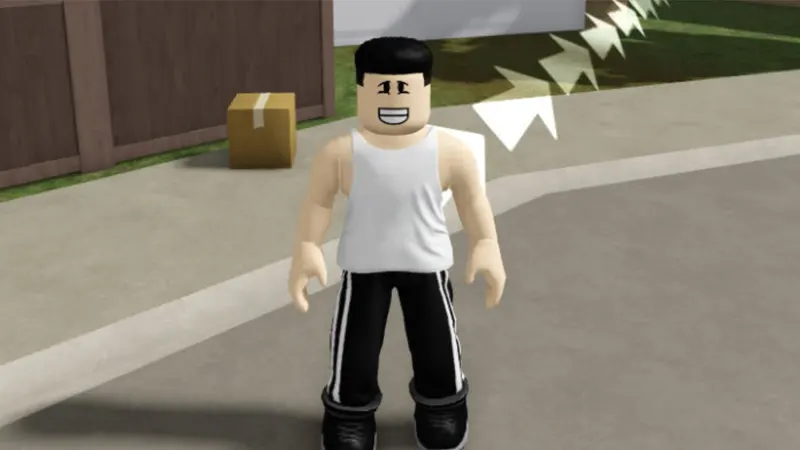
BlockSpin codes: Use the checked list below, follow the redemption steps, and avoid fake reward pages.
Last updated: October 2026. BlockSpin codes can provide Cash and update rewards. The game separates ordinary promotional codes from referral codes, so enter each one in the correct field.
Active BlockSpin codes
| Code | Reward | Status |
|---|---|---|
HURRICANE_RELEASE | Free update rewards | Active |
21GLJ0 | 500 Cash | Active |
ROQ80F | 500 Cash | Active |
57W0I9 | 500 Cash | Active |
W7C28D | 500 referral Cash for eligible new players | Active referral code |
How to redeem BlockSpin codes
- Launch BlockSpin on Roblox.
- Open the menu on the right side of the screen.
- Select the Codes tab.
- Enter a normal code in the promotional-code field, or use the referral field for
W7C28D. - Submit the code and confirm the Cash or reward.
Expired BlockSpin codes
BLOCKSPIN_FISHINGEVERYTHING_10UPDATEOMEGAEVERYTHING_CRATE30K_CCU
Why is my BlockSpin code not working?
- A referral code was entered in the normal code field.
- The account is no longer eligible for a new-player referral reward.
- The promotional code expired after an update.
- The code includes an incorrect character or extra space.
- The current server needs to be refreshed.
BlockSpin codes FAQ
What is the difference between a normal code and a referral code?
Normal codes are public promotions. Referral codes are designed for eligible new players and may have account-age or progress restrictions.
Can I use more than one referral code?
Usually only one referral code can be connected to an eligible account, while multiple normal promotional codes can be redeemed once each.
Do BlockSpin codes expire?
Yes. Update and milestone codes can be disabled without notice.
How we verify BlockSpin codes
We review BlockSpin codes exactly as written and separate currently reported rewards from older entries. A code can stop working after an update, event, or redemption limit, so the status on this page reflects the last-checked date rather than a permanent guarantee. We do not list code generators or offers that ask for a password, payment, or software download.
How to enter BlockSpin codes correctly
- Copy the code without quotation marks.
- Keep capital letters, numbers, and punctuation exactly as shown.
- Remove spaces before and after the code.
- Redeem each code only once on the same account.
- Join a fresh server or restart the game if the menu has not updated.
What the rewards may include
Depending on the campaign, rewards may include cash, spins, and update rewards. The developer controls the final item and availability. Always read the in-game confirmation before claiming, because reward values can change and some promotions are limited by region, account, or event period.
Why a BlockSpin code may not work
The most common reasons are expiration, a typing mistake, an already claimed reward, or an outdated game server. Paste the code again, check every character, then relaunch the experience. If it still fails, treat it as unavailable until the developer confirms otherwise.
Safe sources for new codes
Check the official game platform and developer announcements after major updates or community milestones. Never share login details to unlock a reward. For more verified promotions, browse the GameWilds game codes archive. We revisit this guide when reliable information changes.