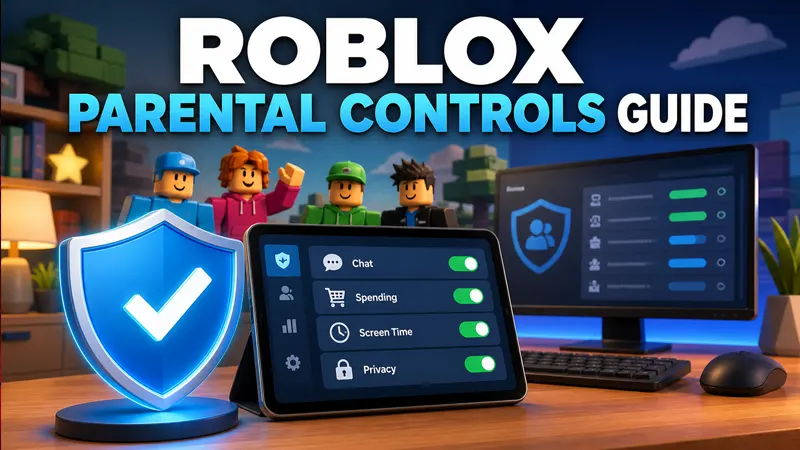
Roblox parental controls help families manage content maturity, communication, screen time, spending and connected accounts. The available controls depend on the child’s age, region and verified account information. Parents should use a separate linked parent account and review settings together with the child instead of relying on one switch.
Start with accurate account information
Use the child’s real birth date when creating or reviewing the account. Age-based protections and available experiences depend on accurate information. Do not place a parent’s date of birth on a child account merely to unlock features.
Secure the account with a unique password and the verification options Roblox currently offers. Protect the connected email account as well, because it can be used for recovery.
Link a parent account
Roblox allows eligible parents or guardians to connect a separate account to manage controls. Open Settings, find Parental Controls and follow the current linking and verification process. Complete verification only on roblox.com or inside the official app.
A linked parent account is safer than sharing one password with the child. It creates clearer ownership and reduces the chance that everyday play exposes recovery information.
Choose a content maturity level
Content maturity settings limit which experiences the child can access based on Roblox’s labels and the account’s age. Review the descriptions rather than choosing the least restrictive setting automatically.
No automated rating can describe every interaction inside a large user-created experience. Play together, read the experience page and use reporting tools when content does not match its label.
Communication and social settings
Review who can chat, message, follow, invite or join the child. Available options vary by age and Roblox’s current safety model. Restrict communication when the child is not ready to handle messages from unknown users.
Teach the child never to share a real name, school, address, telephone number, password or one-time code. Move no conversation to another app simply because another player requests it.
Screen-time controls
Set a daily limit that fits homework, sleep, exercise and family routines. Explain the limit in advance and use a consistent schedule rather than surprising the child during a game.
Screen-time tools support a family agreement; they do not replace conversation. Discuss why an experience feels difficult to stop and help the child recognize manipulative reward loops.
Spending limits and Robux
Review monthly spending controls and purchase notifications where available. Protect platform-store purchases with a password, PIN or biometric approval controlled by the parent. Do not store payment information on a shared device unless necessary.
Robux generators, discounted currency sellers and “verification” surveys are common scams. Buy Robux and gift cards only through Roblox and authorized retailers. A legitimate support agent does not need the child’s password.
Privacy and account discovery
Check visibility, inventory and account-discovery settings. A username and avatar are public-facing identity choices, so they should not reveal age, school, location or another social-media handle.
Review connected apps and sessions periodically. Sign out unfamiliar devices and change the password after any suspicious activity.
Reporting, blocking and difficult interactions
Show the child how to leave an experience, block a user and report the exact chat, profile or behavior. Encourage them to ask for help without fear of losing all game access. Children hide problems when they expect automatic punishment.
For immediate danger or suspected exploitation, preserve relevant evidence privately, stop contact and use appropriate local safety resources in addition to Roblox reporting.
A monthly family checkup
Once a month, review settings, spending, screen time and recently played experiences together. Update controls as the child develops and as Roblox changes its safety tools.
Keep the parent account recovery information private. Do not publish screenshots that display email addresses, transaction references or identity-verification details.
- Confirm account age and recovery details.
- Review content maturity.
- Check chat and social permissions.
- Review daily screen time.
- Check spending and purchase protection.
- Inspect active sessions.
- Practice blocking and reporting.
Frequently asked questions
Can a child remove Roblox parental controls?
Linked-parent and verified controls are designed to require the parent account or its authorization. Keep parent credentials private.
Do parental controls make every Roblox experience safe?
No. They reduce exposure, but supervision, conversation and reporting remain important in user-created environments.
Are Roblox Robux generators safe?
No. They commonly lead to surveys, unwanted software or account theft.
Official resources
Explore more on GameWilds: Roblox guides.