The Castlebound launch brings a smaller co-op adventure into a busy November release calendar. Ogre Pixel lists November 11, 2026 for its action platformer, built around protecting a walking castle. Before inviting friends, check the store status, controller arrangement and multiplayer features rather than assuming “co-op” means every kind of online play.
This is a launch-day buying and setup checklist, not a review. We have not tested performance or played the full release. The practical question is whether the advertised setup matches the evening your group wants: solo exploration, several people around one screen, or friends connecting from different homes.
1. Check the Castlebound launch listing in your region
The official Steam page is the starting point for release status and regional availability. A calendar date is not proof that the purchase button has unlocked in every storefront. Check the page again when you are ready to download, especially if it still displays a planned release.
Do not use an old countdown screenshot as a price quote. Confirm the current currency, edition and purchase status directly. If you are comparing PC with a console edition, use that platform’s own listing; this article’s feature checks refer to Steam.
For a group session, choose a start time after everyone has installed and opened the game once. Scheduling the party for the exact minute a storefront changes creates unnecessary uncertainty.
2. Understand what you are defending
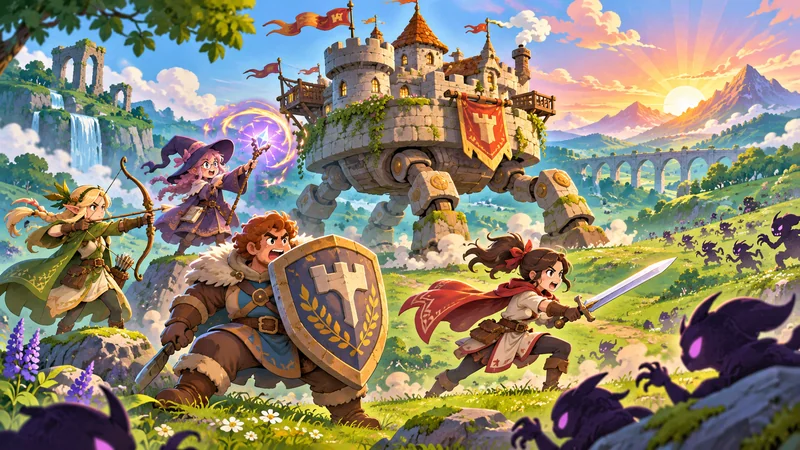
Ogre Pixel describes an action platformer with roguelike elements, heroes and upgrades, centered on a moving fortress. Its store description advertises one to four players. Those details explain the appeal, but they do not establish a difficulty rating, campaign length or a tested “best” character.
A sensible first-session goal is to learn how movement, threats and the shared objective fit together. Avoid assigning rigid roles from an untested tier list before your group knows the controls. Let each person try a style, then discuss what was confusing or enjoyable.
Someone who wants relaxed building should also notice the action focus. A castle in the artwork does not automatically make this a sandbox construction game. Read the description with the kind of evening you want in mind.
3. Use the demo to answer your own questions
The Steam listing offers a demo. If you are undecided, use that opportunity to assess the basic feel before committing to a full-game session. Confirm which version you installed: a demo icon and the released game can sit beside one another in a library.
Write down two or three questions before trying it: can you read the action comfortably, do the controls make sense, and does the general pace suit your group? That produces a more useful decision than judging only a trailer.
Do not assume demo saves transfer, all characters are included, or every full-release mode is available in the sample. The Castlebound launch listing does not establish those promises here. Look for an explicit developer statement if progress carryover matters to you.
4. Prepare the local co-op controllers
The store notes that additional controllers are needed for local multiplayer. Count working controllers before gathering everyone at the screen. Pair or connect them, check charge levels and confirm each intended player can operate their own input.
Make the first test small: launch, check one controller, then add the next. If several inputs behave unexpectedly, isolating them one at a time gives you a clearer report than changing every setting together.
Set the screen at a distance where everybody can see it. A four-person arrangement should account for seating and cables, not only the number on the product page. These are preparation suggestions, not a claim that we tested four-player performance.
5. Separate Remote Play Together from native online play
Steam lists Remote Play Together. That feature should not be silently translated into confirmed native online matchmaking or cross-platform multiplayer. Check the exact feature your group plans to use.
Our Steam Remote Play Together guide covers the general invitation workflow. Test the connection with one guest before organizing a full party, and agree who will host. Streaming quality depends on the actual setup; this article provides no latency benchmark.
If your friends use different storefronts or consoles, ask the developer about that specific combination. Buying several versions first is not a reliable way to investigate compatibility.
6. Check the PC requirements without inventing benchmarks
The Windows listing currently names Windows 10, an Intel Core i3 at 3.2 GHz, 8 GB RAM and 1,000 MB available storage. Treat those as published minimum details, not a promise of a particular frame rate on your machine.
Before the Castlebound launch session, compare your own computer with the live requirements. Recheck the download size and available space at installation time, because patches can change what you need.
If installation reports missing or damaged files, use our Steam file-verification guide for that separate repair process. File verification is not a performance upgrade or a substitute for meeting requirements.
7. Make a useful first-session note
For the Castlebound launch, record the game version, player count, input setup and whether play was local or streamed. Those facts make feedback easier to understand and help distinguish a game issue from a connection problem.
For example, “second controller stopped responding after joining locally” gives the developer something more concrete than “multiplayer broken.” Keep receipts, account details and private invitation links out of public reports.
Castlebound launch: quick answers
Is this a review or a recommendation to buy immediately?
No. It is a source-based preparation guide. Use the current listing and demo to decide whether the game fits your plans.
Does a Remote Play Together badge prove crossplay?
No. Treat streaming invitations, native online play and cross-platform support as separate questions.
Should you organize everyone before checking controllers?
Test your intended setup first, then send a session time you can reasonably meet.
Sources checked November 11, 2026. Features, pricing and availability can change. The cover is an AI-generated editorial concept, not official Castlebound artwork or a gameplay screenshot. No hands-on performance or multiplayer testing is claimed.